
Meta Description:
Learn how to use GPT as a developer with this step-by-step tutorial. Master GPT APIs, integration, best practices, and advanced use cases.
H1: GPT Tutorial for Developers
Introduction: Why Developers Should Learn GPT
In recent years, Generative Pre-trained Transformers (GPT) have revolutionized the way developers build applications, automate tasks, and interact with users. From text generation to code completion and chatbots, GPT models offer powerful capabilities that can save time, enhance creativity, and streamline workflows.
As a developer, understanding how to integrate GPT into your projects is becoming essential. Whether you are building AI-powered applications, automating repetitive coding tasks, or exploring advanced NLP techniques, this GPT tutorial for developers will provide you with the knowledge, practical tips, and examples to get started effectively.
GPT models, including GPT-3, GPT-3.5, GPT-4, and GPT-5, are designed to understand and generate human-like text. These models are trained on massive datasets, which enables them to provide intelligent suggestions, summarize complex information, and even write functional code snippets. By the end of this tutorial, you will not only know how to work with GPT APIs but also how to build applications that leverage GPT’s full potential.
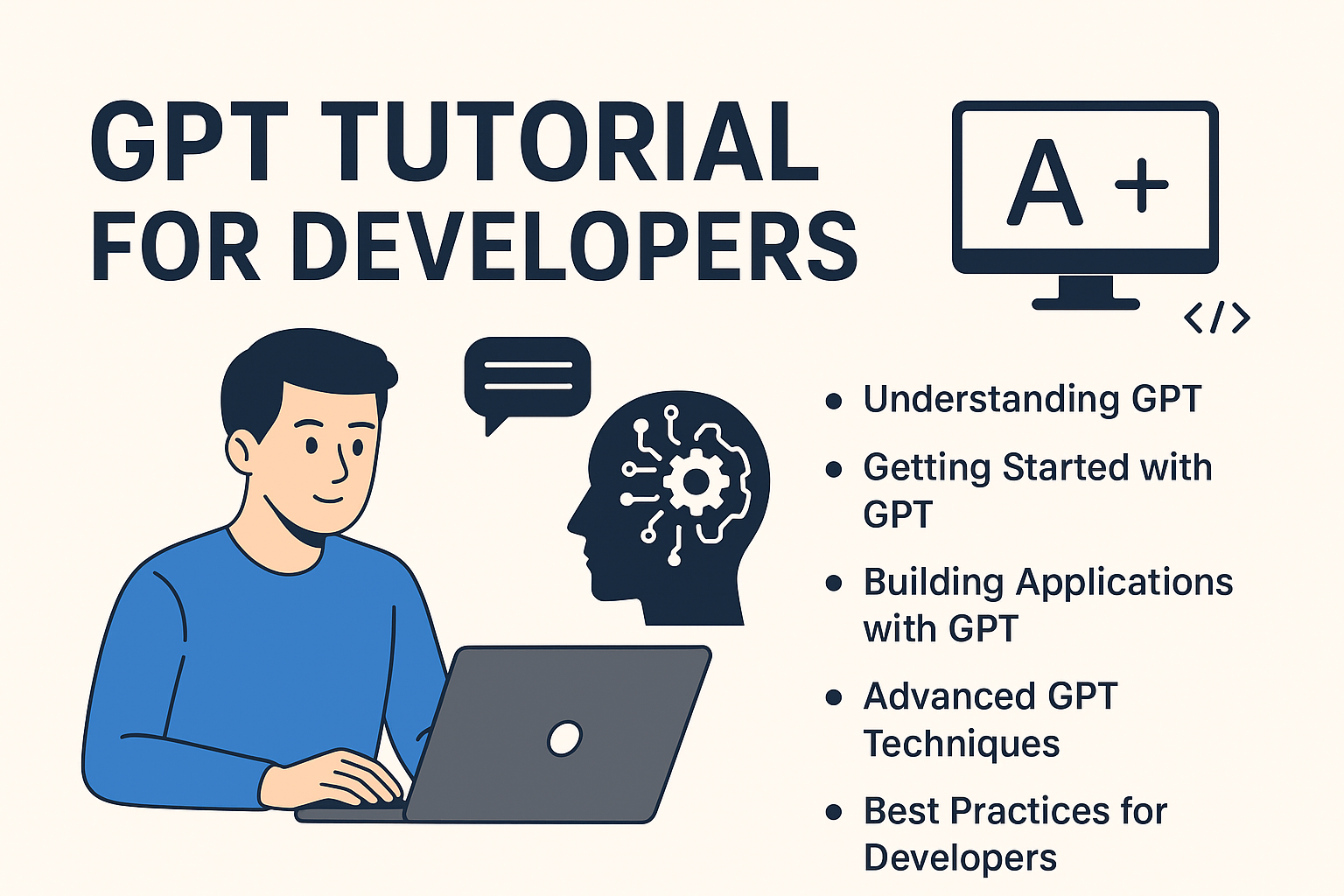
In this comprehensive guide, we will cover:
- How GPT works and its key capabilities for developers
- Setting up a GPT environment and making API calls
- Building text-based applications, chatbots, and coding tools
- Advanced techniques like fine-tuning and prompt engineering
- Best practices, troubleshooting, and future trends
Whether you are a beginner developer or an experienced programmer exploring AI, this guide will serve as a complete roadmap for mastering GPT.
H2: Understanding GPT and Its Capabilities
H3: What is GPT?
GPT (Generative Pre-trained Transformer) is a type of artificial intelligence model designed to understand and generate human-like text. Unlike traditional programming logic, GPT does not follow explicit rules written by developers. Instead, it learns patterns in massive datasets during its training phase, allowing it to predict and generate text in a natural, coherent manner.
For developers, GPT is more than just a chatbot tool. It can assist in writing code, generating documentation, summarizing large datasets, and even providing real-time suggestions in applications. By understanding how GPT interprets text and responds to prompts, developers can harness its capabilities to automate tasks and enhance productivity.
Key variations of GPT include:
- GPT-3: Introduced the ability to handle a wide range of NLP tasks with minimal fine-tuning.
- GPT-3.5: Improved accuracy, contextual understanding, and code generation.
- GPT-4 & GPT-5: Advanced reasoning capabilities, better multi-turn conversation handling, and enhanced API integrations.
H3: How GPT Works
GPT uses a Transformer architecture, which is highly effective for processing sequential data like text. In simple terms, it works in two major phases:
- Pre-training: The model learns from billions of words across books, articles, and websites. It develops a statistical understanding of language, grammar, and context.
- Fine-tuning (optional for developers): Developers can train GPT on specific datasets to specialize it for certain tasks, such as code generation or customer support.
The model predicts the next word or sequence of words based on the input it receives. This ability allows GPT to generate content, complete code snippets, or answer queries in a coherent manner.
H3: Key Features of GPT for Developers
Developers can leverage GPT’s features across multiple domains:
- Text Generation and Summarization: Automatically create high-quality articles, summaries, or documentation.
- Code Generation and Debugging: Generate functional code in multiple programming languages and even detect errors.
- Conversational AI and Chatbots: Build intelligent chatbots that understand context and provide human-like responses.
- Content Personalization: Tailor outputs to specific user needs or industries through prompt engineering or fine-tuning.
Fact: According to OpenAI’s API usage data, over 60% of developers using GPT leverage it primarily for code generation and automation tasks, highlighting its immense potential in software development.
GPT’s versatility makes it a must-learn tool for modern developers, whether for text-based projects, coding assistance, or AI-powered applications. Understanding its workings is the first step toward building effective GPT-based solutions.
H2: Getting Started with GPT as a Developer
H3: Setting Up Your GPT Environment
Before you can start building applications with GPT, you need to prepare your development environment. This involves choosing the right programming language, installing necessary tools, and setting up access to GPT APIs.
Step 1: Choose Your Programming Language
GPT APIs can be accessed using multiple languages, but the most common choices for developers are:
- Python: Widely used due to rich AI libraries and community support.
- JavaScript/Node.js: Ideal for web applications and server-side integrations.
- Java, Ruby, or Go: Supported via HTTP requests to the API endpoint.
Step 2: Create an OpenAI Account
To access GPT, you need an OpenAI account. Sign up at OpenAI and generate your API key, which is used to authenticate requests to the GPT server.
Step 3: Install Development Tools
- Python:
pip install openai - Node.js:
npm install openai - Optional: IDEs like VS Code, PyCharm, or WebStorm for efficient coding and testing.
H2: Building Applications with GPT
H3: Text-Based Applications
GPT can be a powerful tool for creating text-based applications that save time and improve productivity. Developers can use GPT to:
- Generate documentation: Automatically create user manuals, technical guides, or product descriptions.
- Summarize content: Condense long articles, reports, or emails into concise summaries.
- Automate content writing: Produce blog posts, social media updates, or newsletters with minimal manual effort.
By leveraging GPT for these tasks, developers can reduce repetitive work and focus on higher-value tasks, such as optimizing logic or improving user experience.
H3: Code Assistance Applications
Even without writing code directly in tutorials, GPT can assist developers conceptually by:
- Providing guidance: Suggesting approaches for solving programming problems or designing software architecture.
- Debugging ideas: Offering explanations for why certain solutions may fail or suggesting optimizations.
- Language translation: Helping developers understand code written in a language they’re less familiar with.
This makes GPT not just a text generator but also a virtual coding assistant that accelerates the development process.
H3: Chatbots and Conversational AI
GPT is ideal for building intelligent chatbots and conversational interfaces. Developers can design applications where GPT:
- Understands user input and maintains context in multi-turn conversations.
- Provides helpful and personalized responses to queries.
- Integrates with customer support systems, websites, or apps to automate interaction.
For developers, the key is structuring prompts and conversations effectively so that GPT delivers accurate, context-aware responses.
Key Insight: Many companies are now using GPT-powered applications for customer engagement, content automation, and internal tools. By understanding its capabilities, developers can create solutions that are both innovative and practical.
H2: Advanced GPT Techniques for Developers
H3: Fine-Tuning GPT Models
Fine-tuning is a process that allows developers to customize GPT models for specific tasks or industries. Instead of using GPT’s general knowledge, fine-tuning trains the model on your own dataset so it produces outputs tailored to your needs.
Use Cases for Fine-Tuning:
- Customer support chatbots with company-specific responses.
- Generating content in a specialized field, such as legal, medical, or technical domains.
- Producing code suggestions in a proprietary programming environment.
For developers, fine-tuning increases accuracy, relevance, and efficiency, making GPT outputs more actionable and aligned with your project requirements.
H3: Prompt Engineering for Developers
Prompt engineering is the practice of crafting input instructions to guide GPT’s responses. A well-designed prompt can drastically improve the quality of outputs, whether for text generation, summarization, or coding guidance.
Tips for Effective Prompts:
- Be specific about what you want GPT to do.
- Include context or constraints to narrow the output.
- Experiment with different phrasing to achieve the best results.
Prompt engineering is an essential skill for developers because it allows them to control GPT’s behavior without modifying the model itself.
H3: Integrating GPT with Other Tools
Developers can enhance GPT-powered applications by connecting them with other systems or platforms. Examples include:
- Databases: GPT can analyze, summarize, or generate queries based on structured data.
- Web Frameworks: Integration with web applications allows GPT to provide dynamic, real-time content for users.
- Cloud Services: GPT can work alongside cloud-based analytics, storage, or AI services to create scalable solutions.
By combining GPT with existing tools, developers can build sophisticated applications that are both intelligent and responsive.
Key Insight: Advanced techniques like fine-tuning, prompt engineering, and integration expand GPT’s potential from simple text generation to highly specialized, production-ready applications. Developers who master these techniques can create solutions that are not only innovative but also highly practical for businesses and end users.
H2: Best Practices and Tips for Developers Using GPT
Using GPT effectively as a developer requires more than just making API requests. Following best practices ensures that your applications are efficient, cost-effective, and reliable.
H3: Optimizing API Usage and Costs
GPT usage can become expensive if not managed properly. Developers should:
- Plan requests efficiently: Combine related tasks in a single request when possible.
- Set response limits: Control the length of generated outputs to reduce unnecessary usage.
- Monitor usage: Track API calls and costs to avoid surprises.
By optimizing how you interact with GPT, you can balance performance with budget, especially when building large-scale applications.
H3: Handling Errors and Exceptions
Even advanced AI can produce unexpected results. Developers should:
- Anticipate errors: Plan for situations where GPT outputs are incomplete, off-topic, or nonsensical.
- Validate responses: Implement logic to verify the accuracy or format of GPT-generated outputs.
- Provide fallback solutions: Ensure your application continues to function if GPT fails to deliver the expected response.
This approach improves reliability and user experience, making GPT a more dependable tool.
H3: Security and Privacy Considerations
Working with GPT often involves sensitive information. Developers must:
- Protect API keys by using secure storage, such as environment variables.
- Avoid sending private data unless necessary and anonymize inputs whenever possible.
- Follow regulations regarding user data, especially if the application handles personal or financial information.
By prioritizing security and privacy, developers maintain trustworthiness while leveraging AI capabilities.
H3: Version Control and Updates
GPT models evolve over time, and OpenAI releases new versions with improved accuracy and features. Developers should:
- Track the version of GPT used in their application.
- Test updates carefully before deploying new models to production.
- Document changes in prompts or integrations to ensure consistency.
Staying updated ensures that applications remain robust, efficient, and aligned with the latest AI improvements.
Key Insight: Following best practices allows developers to maximize GPT’s potentialhttp://openbygpt.com/ while minimizing risks, costs, and errors. Proper planning, monitoring, and security are critical for creating professional, production-ready applications.